Upload date
All time
Last hour
Today
This week
This month
This year
Type
All
Video
Channel
Playlist
Movie
Duration
Short (< 4 minutes)
Medium (4-20 minutes)
Long (> 20 minutes)
Sort by
Relevance
Rating
View count
Features
HD
Subtitles/CC
Creative Commons
3D
Live
4K
360°
VR180
HDR
156,097 results
122K subscribers
Use the Cameras Window to update the image overlay in your workspace, trace a design from your laser's bed, and adjust a ...
5,248 views
5 days ago
All vector graphics are made of nodes which define the lines and curves that make up each shape. Whether you're tracing an ...
2,908 views
12 days ago
If you need to clean up a noisy trace or import, or just want a quick way to select and organize specific objects in your project, ...
2,803 views
2 weeks ago
Image engraving with a laser is a complex topic that often takes lots of trial and error to really optimize for. The good news is ...
8,205 views
3 weeks ago
Templates are a great choice for projects you know you'll be using again. They have their own recent sub-menu, automatically ...
2,844 views
1 month ago
Our new Select Circles tool is a major workflow enhancer for anyone designing parts with holes for screws or fasteners. You can ...
4,378 views
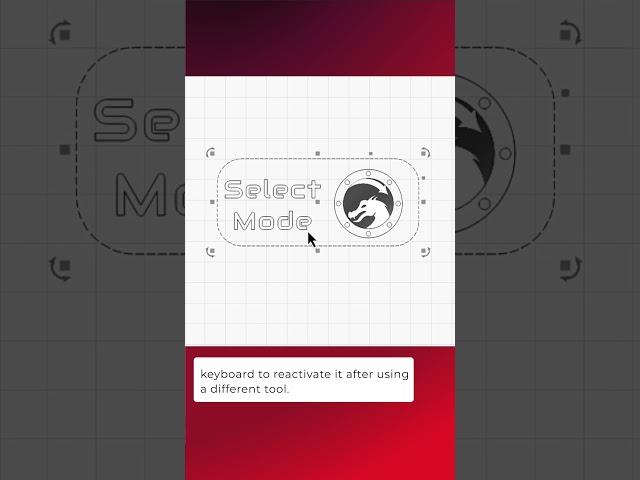
Whether you're designing or organizing objects in your Workspace, the Selection Tool is one of the most used tools in LightBurn.
4,271 views
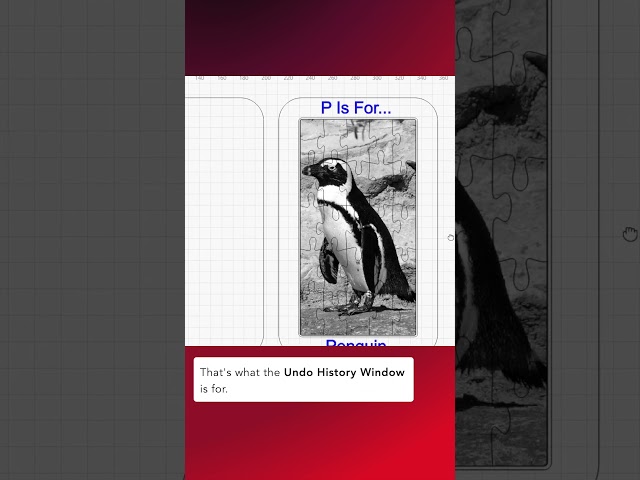
The Undo History Window lets you quickly jump back in time to a previous state in your project, giving you a symmetrical list of all ...
2,139 views
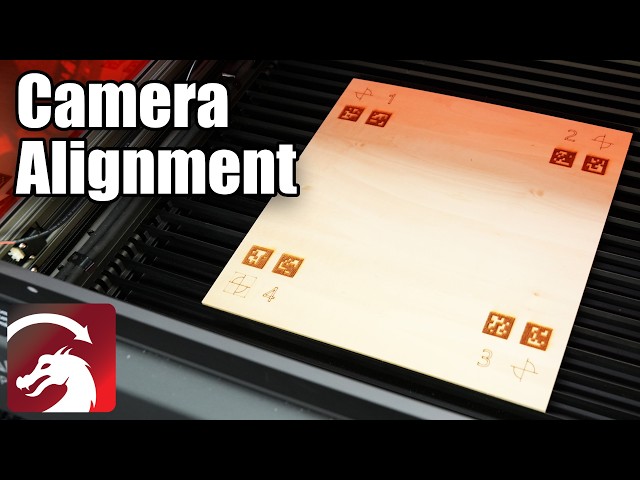
Once you've added your camera and calibrated the lens, the final step is to calibrate the camera alignment. This needs to be done ...
7,321 views
Once you've added your camera, the next step is to calibrate its lens. This is necessary to remove the distortion created by each ...
8,231 views
2 months ago