Upload date
All time
Last hour
Today
This week
This month
This year
Type
All
Video
Channel
Playlist
Movie
Duration
Short (< 4 minutes)
Medium (4-20 minutes)
Long (> 20 minutes)
Sort by
Relevance
Rating
View count
Features
HD
Subtitles/CC
Creative Commons
3D
Live
4K
360°
VR180
HDR
13,210 results
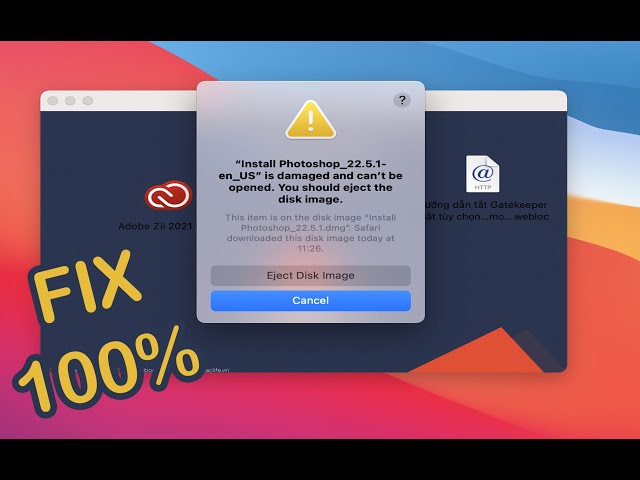
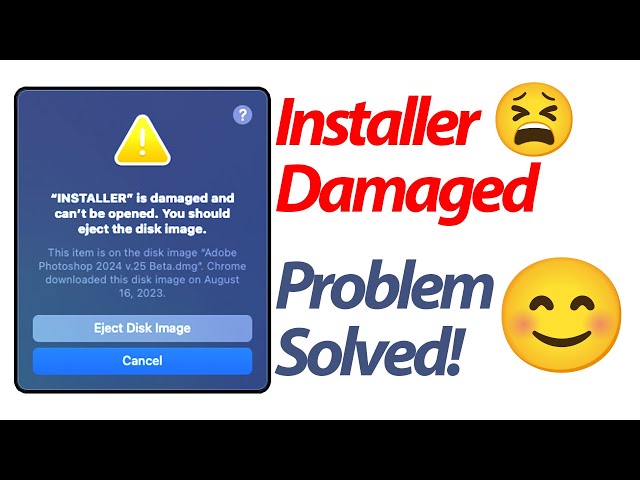
Terminal Code : xattr -cr How to fix ” is damaged and can't be opened. You should eject the disk image.
26,867 views
3 years ago
How to Fix "App is damaged and can't be opened. You should move it to the Trash Error" on Mac.
36,449 views
2 years ago
EDIT 2025 : It is possible that with each new iteration of Apple's OS updates, new bugs are being added, rendering this trick less ...
14,362 views
First command: sudo spctl --master-disable Second command: xattr -cr Intro: 00:00 How to fix error (First step): 00:13 How to fix ...
132,661 views
If you're getting the "App is Damaged and cant be opened - move to bin" error on your Mac, don't worry! In this updated tutorial, ...
12,710 views
1 year ago
You cannot open disk image file (.dmg) on your Mac and get the “no mountable file systems” error message? Don't worry!
110,871 views
6 years ago
[Solution] Open install is damaged and cannot be opened, you should eject the disk. Solution 1. Open the terminal, enter " sudo ...
1,010 views
Different things to try before you throw away your corrupt HDD. Mine wasn't mounting, ejecting, etc. I couldn't carry out first aid, ...
32,915 views
4 years ago
When opening Adobe Premiere Pro, I get a message saying "damaged and cannot be opened.error", How to fix this, first cancel ...
2,823 views
6 months ago
Fix “App is Damaged and Can't be Opened” Error on macOS 🛠️* Struggling with the "App is Damaged" error on macOS?
2,263 views
in this video i am explaining how to fix the not mounting external hard drive problem on mac if you found it helpful ...
151,111 views
Canva Pro 30-day Free Trial https://partner.canva.com/dovOGM Learning App https://ling-app.com/?referrer=reancourse How ...
116,613 views
5 years ago
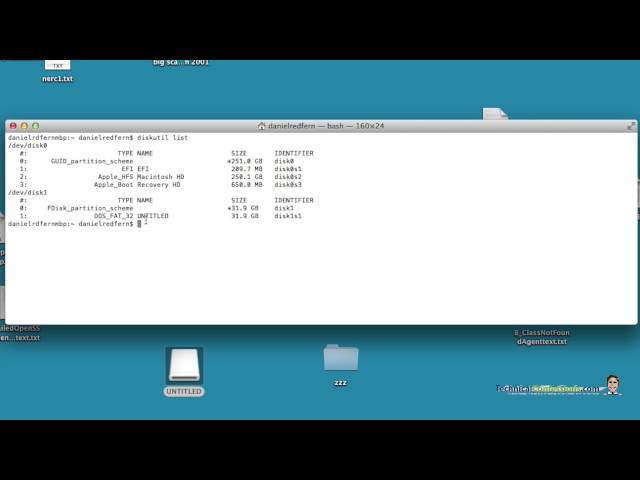
This is a tutorial on how to force your hard drive to reformat in MAC OSX high sierra (possibly earlier versions) diskutil list diskutil ...
88,520 views
7 years ago
Technicalconfessions.com This video show an alternative way to reformat and erase your SD drive when you receive the ...
138,043 views
9 years ago
Usb / harddrive / hdd fix.
21,243 views
Do you own a Macbook pro and getting HDD auto eject issue after replacing the CD Rom drive with a HDD ? If yes, please watch ...
53,179 views
8 years ago
Sometimes a Disk Utility Error Message flags up when formatting or partitioning in Mac ( Mac Book Pro, iMac, Mac mini, Mac Pro, ...
79,403 views
Ever download an application that you're not able to open in macOS Sequoia? If so this shows you how to fix it. If you find my ...
118,810 views
In this video, I will show you how to fix the resource busy error while trying to open some of the DMG files in macOS. "resource ...
6,276 views
Encountering an error while trying to erase your internal hard drive? Join our tutorial as we tackle common issues and provide ...
26,391 views
Don't worry if you faced this error: "App is damaged and can't be opened. you should eject the disk image",, only two steps to ...
42,236 views
Download and install Beer interceptor: https://apps.apple.com/us/app/beer-interceptor/id6749782229 Disk Not Ejected Properly ...
4,490 views
key tester site: https://www.keyboardtester.com/tester.html More how to videos: ...
114,474 views
Disk Utility Error Message when formatting in MacBook Pro, iMac, Mac mini, Mac Pro, MacBook Air. There are 2 ways to really fix ...
656,646 views
Instructions : First : Disable the Security “sudo spctl --master-disable” without quotes Second - Terminal code : xattr -cr( Space) ...
230,742 views
Command in Terminal: xattr -cr This applies to the error message 'app' is damaged and can't be opened. You should move it to ...
126,479 views
When the hard drive on macOS is experiencing problems, you will experience some very alarming events. Such as not being able ...
255,587 views
Failed to eject error message fix for your MacBook Pro, iMac, Mac Pro, Mac mini, MacBook Air.
1,647 views
Hard drive won't eject and you don't want to force quit? Watch this video to find out what you have to do. Link to article: ...
34,551 views
If you don't know The Disk Image Couldn't Be Opened Fix, this video is for you.
10,391 views