ViewTube

ViewTube
Sign inSign upSubscriptions
Filters

Upload date

Type

Duration

Sort by

Features

Reset

13,163 results

Related queries

syntaxerror: json parse error: unexpected eof

no mountable file systems mac

hard drive won't eject mac

dmg file not opening mac

Soft COM
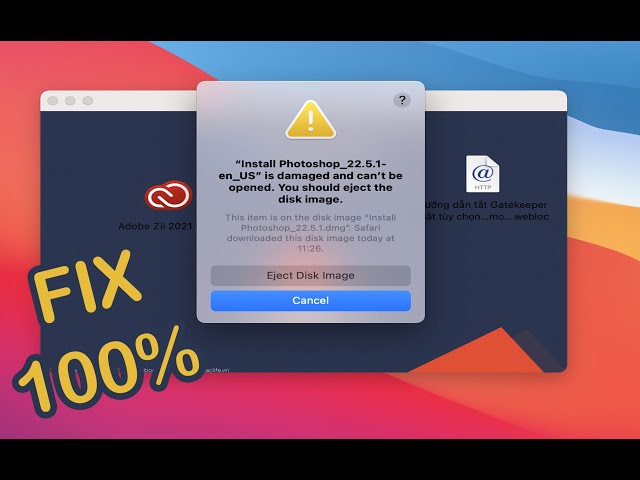
” is damaged and can’t be opened. You should eject the disk image. Fix it in 1 Minute 100%

Terminal Code : xattr -cr How to fix ” is damaged and can't be opened. You should eject the disk image.

1:26
” is damaged and can’t be opened. You should eject the disk image. Fix it in 1 Minute 100%

26,628 views

3 years ago

Ademola Tella
How to Fix "App is damaged and can’t be opened. You should move it to the Trash Error" on Mac.

How to Fix "App is damaged and can't be opened. You should move it to the Trash Error" on Mac.

3:37
How to Fix "App is damaged and can’t be opened. You should move it to the Trash Error" on Mac.

36,126 views

2 years ago

Meyqool
How to eject a drive on Mac OS when "one or more programs may be using it" but it's not true

EDIT 2025 : It is possible that with each new iteration of Apple's OS updates, new bugs are being added, rendering this trick less ...

0:19
How to eject a drive on Mac OS when "one or more programs may be using it" but it's not true

14,106 views

2 years ago

Simplified Technology
How to FIX “is damaged and can’t be opened. You should move it to the Trash” Error on Mac

First command: sudo spctl --master-disable Second command: xattr -cr Intro: 00:00 How to fix error (First step): 00:13 How to fix ...

1:20
How to FIX “is damaged and can’t be opened. You should move it to the Trash” Error on Mac

130,930 views

2 years ago

Wlastmaks
Disk Not Ejected Properly On macOS

Download and install Beer interceptor: https://apps.apple.com/us/app/beer-interceptor/id6749782229 Disk Not Ejected Properly ...

0:22
Disk Not Ejected Properly On macOS

4,388 views

1 year ago

People also watched

Roel Van de Paar
Unable to open DMG files - "Corrupt Image"

Unable to open DMG files - "Corrupt Image" Helpful? Please support me on Patreon: https://www.patreon.com/roelvandepaar With ...

1:48
Unable to open DMG files - "Corrupt Image"

7,233 views

4 years ago

Mac And PC - Prime Video
damaged and can't be opend. you should move it to the bin adobe how to fix

When opening Adobe Premiere Pro, I get a message saying "damaged and cannot be opened.error", How to fix this, first cancel ...

1:20
damaged and can't be opend. you should move it to the bin adobe how to fix

2,468 views

5 months ago

NOMAGIX
⚠️ Fix “App is Damaged and Can’t be Opened” Error on macOS 🛠️

Fix “App is Damaged and Can't be Opened” Error on macOS 🛠️* Struggling with the "App is Damaged" error on macOS?

2:30
⚠️ Fix “App is Damaged and Can’t be Opened” Error on macOS 🛠️

2,200 views

2 years ago

PhoneDarshan Tech
Prevent random Hard Disk ejects on a Mac (English)

Do you own a Macbook pro and getting HDD auto eject issue after replacing the CD Rom drive with a HDD ? If yes, please watch ...

3:55
Prevent random Hard Disk ejects on a Mac (English)

53,127 views

8 years ago

lapfix
How To Fix External Hard Drive Not Mounting On Mac

Need help with your repair? Visit our repair shop if you are local or mail in your device using the mail-in link ...

6:37
How To Fix External Hard Drive Not Mounting On Mac

198,601 views

3 years ago

Sabir Ahmed
How to fix corrupt external hard drive (HDD) on Mac that stops you from mounting/unmounting/eject

Different things to try before you throw away your corrupt HDD. Mine wasn't mounting, ejecting, etc. I couldn't carry out first aid, ...

9:33
How to fix corrupt external hard drive (HDD) on Mac that stops you from mounting/unmounting/eject

32,630 views

4 years ago

Daniel Redfern
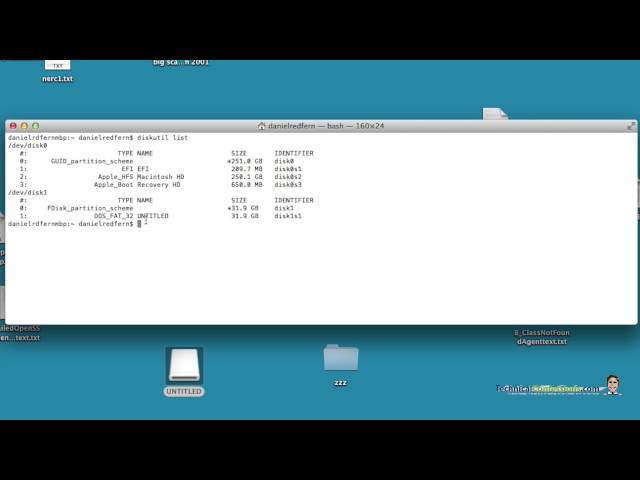
Solution  Disk Erase Failed with error  Couldn't unmount disk mac

Technicalconfessions.com This video show an alternative way to reformat and erase your SD drive when you receive the ...

3:28
Solution Disk Erase Failed with error Couldn't unmount disk mac

137,906 views

9 years ago

SpiderFix
Is damaged and can’t be opened | You should move it to the Trash

How to Fix App “is damaged and can't be opened” How to Fix App “is damaged and can't be opened. You should move it to the ...

2:08
Is damaged and can’t be opened | You should move it to the Trash

4,669 views

3 years ago

Creative BD
[Fixed] MacOS - "App" is damaged and can't be opened. You should move it to the bin.

Command: xattr -cr {app location}

1:43
[Fixed] MacOS - "App" is damaged and can't be opened. You should move it to the bin.

7,656 views

3 years ago

Utech Ureview
How to fix Mac Format & Partition Disk Utility Error " Erase Operation process  failed. Click done

Sometimes a Disk Utility Error Message flags up when formatting or partitioning in Mac ( Mac Book Pro, iMac, Mac mini, Mac Pro, ...

3:47
How to fix Mac Format & Partition Disk Utility Error " Erase Operation process failed. Click done

79,036 views

5 years ago

Leah George
Cannot Open .dmg Files on Mac (No Mountable file systems)? Here is Solution

You cannot open disk image file (.dmg) on your Mac and get the “no mountable file systems” error message? Don't worry!

0:50
Cannot Open .dmg Files on Mac (No Mountable file systems)? Here is Solution

110,605 views

6 years ago

Krause Media
How to FIX “is damaged and can’t be opened. You should move it to the Trash” (2025 UPDATED TUTORIAL)

If you're getting the "App is Damaged and cant be opened - move to bin" error on your Mac, don't worry! In this updated tutorial, ...

1:13
How to FIX “is damaged and can’t be opened. You should move it to the Trash” (2025 UPDATED TUTORIAL)

12,018 views

1 year ago

Loxyo Tech
How to Fix Resource Busy Error in macOS | Loxyo Tech

In this video, I will show you how to fix the resource busy error while trying to open some of the DMG files in macOS. "resource ...

2:09
How to Fix Resource Busy Error in macOS | Loxyo Tech

6,130 views

2 years ago

Thart Work
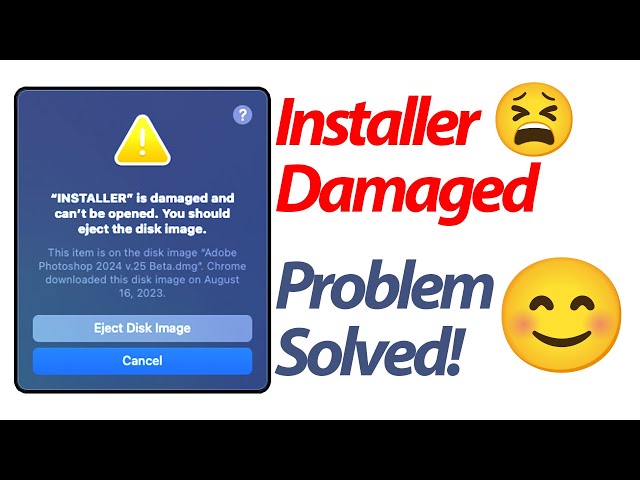
How to fix Install is damaged and can't be opened You should eject the disk image on MacBook | work

[Solution] Open install is damaged and cannot be opened, you should eject the disk. Solution 1. Open the terminal, enter " sudo ...

1:46
How to fix Install is damaged and can't be opened You should eject the disk image on MacBook | work

962 views

1 year ago

Eevnos
Open Blocked Apps in MacOS Sequoia

Ever download an application that you're not able to open in macOS Sequoia? If so this shows you how to fix it. If you find my ...

0:31
Open Blocked Apps in MacOS Sequoia

108,640 views

1 year ago

itech4mac
SOLVED: 'App Is Damaged and Can't Be Opened' on macOS – Fix in 2 Easy Steps!

Don't worry if you faced this error: "App is damaged and can't be opened. you should eject the disk image",, only two steps to ...

5:02
SOLVED: 'App Is Damaged and Can't Be Opened' on macOS – Fix in 2 Easy Steps!

42,159 views

4 years ago

Andrew Tsai's Tips
How To Open App Error "is damaged and can't be opened" Using xattr Commmand

Command in Terminal: xattr -cr This applies to the error message 'app' is damaged and can't be opened. You should move it to ...

1:09
How To Open App Error "is damaged and can't be opened" Using xattr Commmand

125,311 views

4 years ago

Macintosh Team
macOS Erase process has failed. Disk Utility Error FIX for intel Mac

Encountering an error while trying to erase your internal hard drive? Join our tutorial as we tackle common issues and provide ...

2:22
macOS Erase process has failed. Disk Utility Error FIX for intel Mac

25,873 views

2 years ago

Tech & Design
Erase process has failed. Click done to continue. Disk Utility Error FIX | Mac

Disk Utility Error Message when formatting in MacBook Pro, iMac, Mac mini, Mac Pro, MacBook Air. There are 2 ways to really fix ...

4:20
Erase process has failed. Click done to continue. Disk Utility Error FIX | Mac

655,130 views

7 years ago

kaboratech
How to Fix App “is damaged and can’t be opened. You should move it to the Trash” Error on Mac

Instructions : First : Disable the Security “sudo spctl --master-disable” without quotes Second - Terminal code : xattr -cr( Space) ...

1:56
How to Fix App “is damaged and can’t be opened. You should move it to the Trash” Error on Mac

229,814 views

3 years ago

Mac And PC - Prime Video
How to Fix "App is damaged and can’t be opened. You should move it to the Trash Error" on Mac 2924

How to Fix "App is damaged and can't be opened. You should move it to the Trash Error" on Mac adobe, type in the letters : sudo ...

1:50
How to Fix "App is damaged and can’t be opened. You should move it to the Trash Error" on Mac 2924

43,432 views

1 year ago

Tech & Design
Failed to eject “Media” because it is currently in use - FIX in Mac | USB drive | SD card | HDD

Failed to eject error message fix for your MacBook Pro, iMac, Mac Pro, Mac mini, MacBook Air.

3:29
Failed to eject “Media” because it is currently in use - FIX in Mac | USB drive | SD card | HDD

1,631 views

6 years ago

Jiva
How to Fix “Disk Utility Couldn’t Repair the Disk” Error on macOS

When the hard drive on macOS is experiencing problems, you will experience some very alarming events. Such as not being able ...

5:22
How to Fix “Disk Utility Couldn’t Repair the Disk” Error on macOS

254,957 views

5 years ago

Computer Engineering life
Mac Os || How To bypass (FIX) "cannot be opened because the developer cannot be verified"

key tester site: https://www.keyboardtester.com/tester.html More how to videos: ...

0:50
Mac Os || How To bypass (FIX) "cannot be opened because the developer cannot be verified"

113,992 views

3 years ago

UGOMANER
Fix No Disk to select when installing MacOS

Do you want to install macOS on your Mac but the disk where you want to install it does not appear? In this video we will see how ...

1:00
Fix No Disk to select when installing MacOS

110,167 views

1 year ago