ViewTube

ViewTube
Sign inSign upSubscriptions
Filters

Upload date

Type

Duration

Sort by

Features

Reset

19,307 results

Soft COM
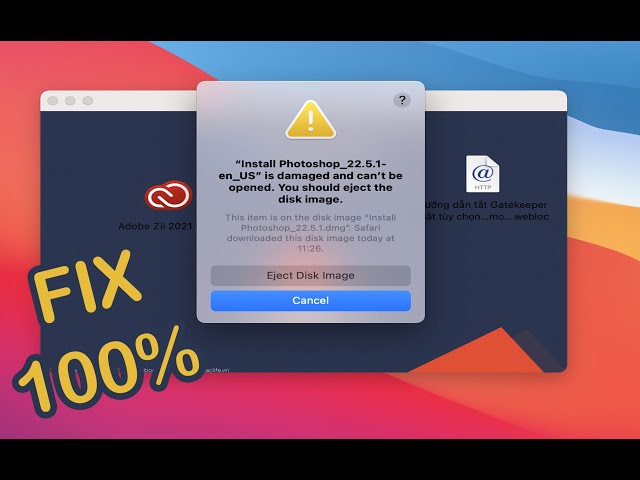
” is damaged and can’t be opened. You should eject the disk image. Fix it in 1 Minute 100%

Terminal Code : xattr -cr How to fix ” is damaged and can't be opened. You should eject the disk image.

1:26
” is damaged and can’t be opened. You should eject the disk image. Fix it in 1 Minute 100%

26,945 views

3 years ago

Roel Van de Paar
Unable to create disk image using disk utility (Input/output error)

Unable to create disk image using disk utility (Input/output error) Helpful? Please support me on Patreon: ...

1:44
Unable to create disk image using disk utility (Input/output error)

257 views

5 years ago

Thart Work
How to fix Install is damaged and can't be opened You should eject the disk image on MacBook | work

[Solution] Open install is damaged and cannot be opened, you should eject the disk. Solution 1. Open the terminal, enter " sudo ...

1:46
How to fix Install is damaged and can't be opened You should eject the disk image on MacBook | work

1,026 views

1 year ago

Leah George
Cannot Open .dmg Files on Mac (No Mountable file systems)? Here is Solution

You cannot open disk image file (.dmg) on your Mac and get the “no mountable file systems” error message? Don't worry!

0:50
Cannot Open .dmg Files on Mac (No Mountable file systems)? Here is Solution

110,970 views

6 years ago

Loxyo Tech
How to Fix Resource Busy Error in macOS | Loxyo Tech

In this video, I will show you how to fix the resource busy error while trying to open some of the DMG files in macOS. "resource ...

2:09
How to Fix Resource Busy Error in macOS | Loxyo Tech

6,308 views

2 years ago

Roel Van de Paar
Apple: Automatically eject disk image x minutes after mounting

Apple: Automatically eject disk image x minutes after mounting Helpful? Please support me on Patreon: ...

2:10
Apple: Automatically eject disk image x minutes after mounting

12 views

4 years ago

Wlastmaks
Disk Not Ejected Properly On macOS

Download and install Beer interceptor: https://apps.apple.com/us/app/beer-interceptor/id6749782229 Disk Not Ejected Properly ...

0:22
Disk Not Ejected Properly On macOS

4,533 views

1 year ago

Ademola Tella
How to Fix "App is damaged and can’t be opened. You should move it to the Trash Error" on Mac.

How to Fix "App is damaged and can't be opened. You should move it to the Trash Error" on Mac.

3:37
How to Fix "App is damaged and can’t be opened. You should move it to the Trash Error" on Mac.

36,586 views

2 years ago

Save Money TV
"Disk Not Readable" Error - Erase, Reformat, & Mount. External Flash (Pen) Drive - Mac OSX

This is a quick and easy fix when your flash drive is not readable by your Mac computer. **NOTE: this is NOT a data retrieval ...

1:55
"Disk Not Readable" Error - Erase, Reformat, & Mount. External Flash (Pen) Drive - Mac OSX

7,550 views

1 year ago

People also watched

IT General
แก้เปิด .DMGไม่ได้  FIX ! no mountable file systems .dmg MAC

FIX ! no mountable file systems iso/dmg MAC.

2:12
แก้เปิด .DMGไม่ได้ FIX ! no mountable file systems .dmg MAC

6,508 views

4 years ago

Technical Fix
The Disk You Inserted Was Not Readable By This Computer

The Disk You Inserted Was Not Readable By This Computer About: If your mac is also having the disk you inserted was not ...

2:02
The Disk You Inserted Was Not Readable By This Computer

13,854 views

4 years ago

PhoneDarshan Tech
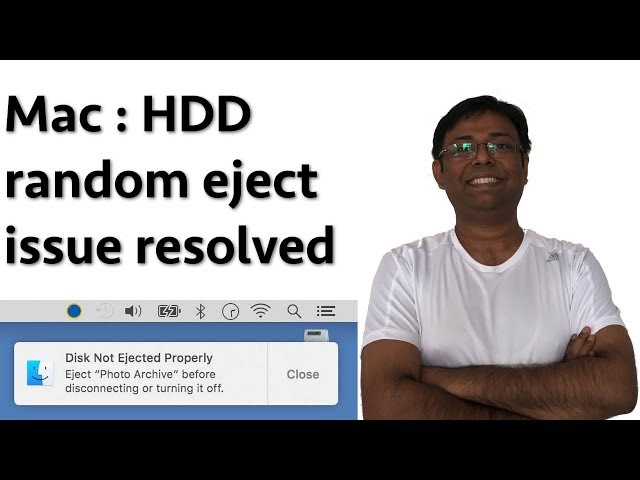
Prevent random Hard Disk ejects on a Mac (English)

Do you own a Macbook pro and getting HDD auto eject issue after replacing the CD Rom drive with a HDD ? If yes, please watch ...

3:55
Prevent random Hard Disk ejects on a Mac (English)

53,197 views

8 years ago

SpiderFix
Is damaged and can’t be opened | You should move it to the Trash

How to Fix App “is damaged and can't be opened” How to Fix App “is damaged and can't be opened. You should move it to the ...

2:08
Is damaged and can’t be opened | You should move it to the Trash

4,693 views

3 years ago

Geek Hamza
حل مشكلة عدم فتح برامج الماك The following disk images couldn't be opened

السلام عليكم ورحمة الله وبركاته مرحبا بكم في قناتنا و موقعنا المتواضعين ، بالنسبة لك كمتخدم لنظام ماك فلا شك انك صادفتك مشكلة الا ...

2:38
حل مشكلة عدم فتح برامج الماك The following disk images couldn't be opened

17,543 views

5 years ago

Sabir Ahmed
How to fix corrupt external hard drive (HDD) on Mac that stops you from mounting/unmounting/eject

Different things to try before you throw away your corrupt HDD. Mine wasn't mounting, ejecting, etc. I couldn't carry out first aid, ...

9:33
How to fix corrupt external hard drive (HDD) on Mac that stops you from mounting/unmounting/eject

32,989 views

4 years ago

iPhoneTopics
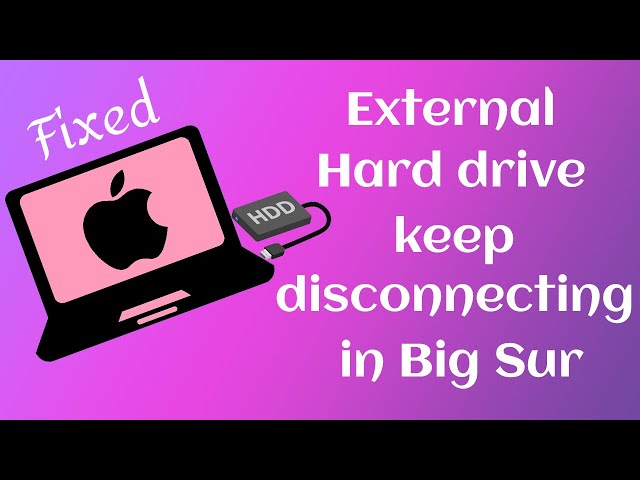
(Solved 100%) External Hard Drive Suddenly disconnects from Big Sur

Hey Guys, How do you do? In this video I have given a solution for the issue (i.e) External Hard Drive Suddenly disconnects from ...

3:57
(Solved 100%) External Hard Drive Suddenly disconnects from Big Sur

17,847 views

4 years ago

Creative BD
[Fixed] MacOS - "App" is damaged and can't be opened. You should move it to the bin.

Command: xattr -cr {app location}

1:43
[Fixed] MacOS - "App" is damaged and can't be opened. You should move it to the bin.

7,754 views

3 years ago

UnlockPrice
🔥 Mac App Error Fix 2022 ✔️ will damage your computer. you should you should move it to bin #Lpro

How to fix pop-up error from Mac - will damage your computer. you should you should move it to bin | Lpro Boot Disk | Lpro Magic ...

1:04
🔥 Mac App Error Fix 2022 ✔️ will damage your computer. you should you should move it to bin #Lpro

21,521 views

3 years ago

MOMINNZ
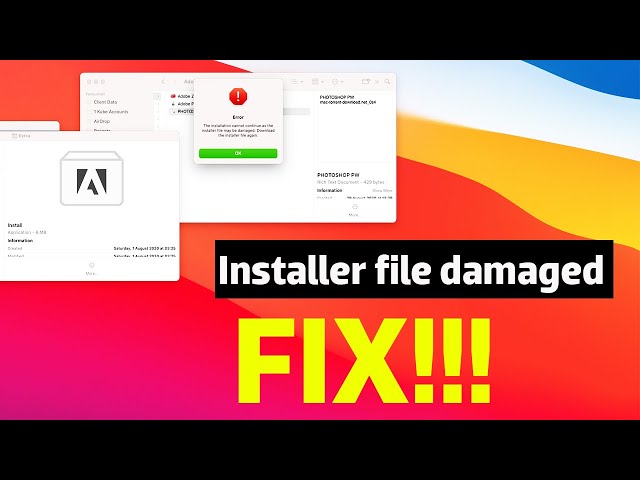
The installation cannot continue as the installer file may be damaged adobe - How to solve this.

The installation cannot continue as the installer file may be damaged Adobe for Mac OS. Its a simple process but useful when ...

3:40
The installation cannot continue as the installer file may be damaged adobe - How to solve this.

226,187 views

5 years ago

Tech & Design
Failed to eject “Media” because it is currently in use - FIX in Mac | USB drive | SD card | HDD

Failed to eject error message fix for your MacBook Pro, iMac, Mac Pro, Mac mini, MacBook Air.

3:29
Failed to eject “Media” because it is currently in use - FIX in Mac | USB drive | SD card | HDD

1,656 views

7 years ago

Simplified Technology
How to FIX “is damaged and can’t be opened. You should move it to the Trash” Error on Mac

First command: sudo spctl --master-disable Second command: xattr -cr Intro: 00:00 How to fix error (First step): 00:13 How to fix ...

1:20
How to FIX “is damaged and can’t be opened. You should move it to the Trash” Error on Mac

133,245 views

2 years ago

Speedy Tutorials
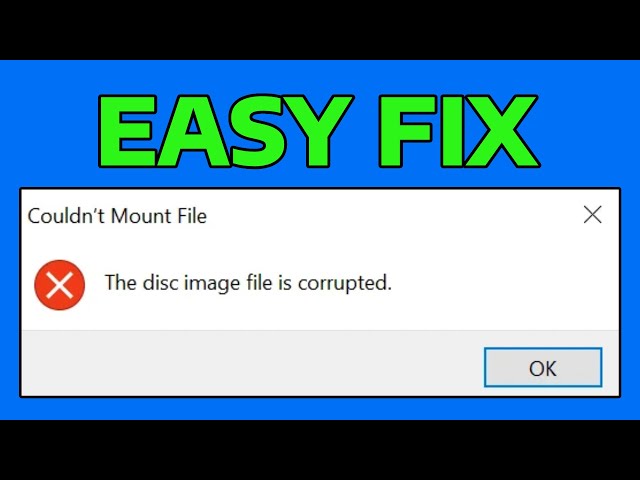
How To Fix The Disc Image File is Corrupted Error in Windows

How To Fix The Disc Image File is Corrupted Error in Windows Support me: https://ko-fi.com/speedytutorials If you're encountering ...

0:39
How To Fix The Disc Image File is Corrupted Error in Windows

6,159 views

9 months ago

LoveQuicksilver
Use Quicksilver to quickly eject hard drives, and handle disk image apps without Finder

These videos generally go into the blog posts at: http://lovequicksilver.com For more information about Quicksilver, visit: ...

13:15
Use Quicksilver to quickly eject hard drives, and handle disk image apps without Finder

1,580 views

14 years ago

MacMyTutorials
OSX: Creating an Encrypted Disk Image

Password protect your most important files by creating an encrypted disk image using Disk Utility. Note that you will have to ...

1:25
OSX: Creating an Encrypted Disk Image

975 views

14 years ago

Follow That Fixes
Ways to fix when Mac Finder won't eject

If you regularly use removable drives on your Mac, then the chances are that if you're here, then you've been faced with the ...

1:22
Ways to fix when Mac Finder won't eject

333 views

2 years ago

FleecefoxStudio
Can't Eject Hard Drive on Mac ((Easy Fix))

If you try to eject an external hard drive on the mac but it says it is in use then you need to give this fix a try.

1:16
Can't Eject Hard Drive on Mac ((Easy Fix))

65,764 views

9 years ago

Cody Barr
OSX Lion - Easily Install and Eject Disk Images (DMGs)

In this tutorial I show you how to easily install and then eject disk images in OSX Lion.

2:41
OSX Lion - Easily Install and Eject Disk Images (DMGs)

4,011 views

13 years ago

Mac_tech
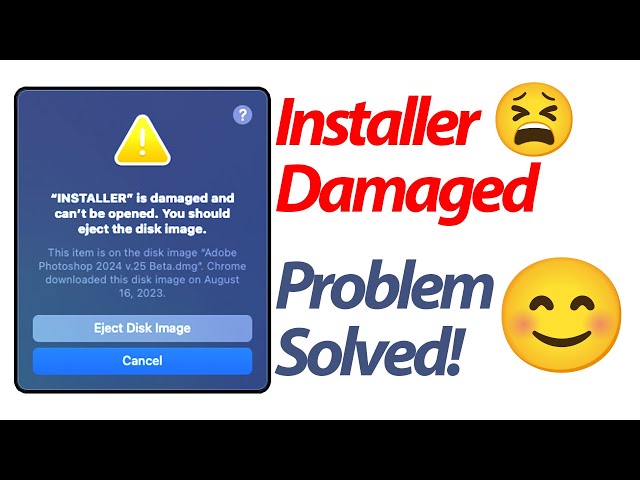
How to FIX Adobe HCiSO “Install” is damaged and can’t be opened. You should eject the disk image.

Are you encountering the frustrating "Install is damaged and can't be opened. You should eject the disk image." error message ...

1:25
How to FIX Adobe HCiSO “Install” is damaged and can’t be opened. You should eject the disk image.

1,452 views

1 year ago

EvilComp
How to Create a Disk Image on macOS

How to #format a #hard #drive in a #Windows or #macOS laptop. If you want to format the main hard drive (usually the Windows ...

1:20
How to Create a Disk Image on macOS

2,863 views

1 year ago

The Slop Farm 2
How to Remove Disk Not Ejected Message on Macos - Full Guide

How to Remove Disk Not Ejected Message on Macos - Full Guide | Thanks for watching! Consider subscribing if we helped you!

1:46
How to Remove Disk Not Ejected Message on Macos - Full Guide

0 views

3 days ago