Upload date
All time
Last hour
Today
This week
This month
This year
Type
All
Video
Channel
Playlist
Movie
Duration
Short (< 4 minutes)
Medium (4-20 minutes)
Long (> 20 minutes)
Sort by
Relevance
Rating
View count
Features
HD
Subtitles/CC
Creative Commons
3D
Live
4K
360°
VR180
HDR
1,493 results
Want to edit any website instantly without changing the original source code? In this video, you'll learn how to use Chrome ...
12 views
1h ago
Chrome DevTools Complete Guide for Beginners | HTML, CSS, JavaScript, Console, Network & Debugging
78 views
3d ago
Recovered from my old channel. Originally posted 2019.) Collect Amazon product ASINs from a search-results page using ...
4 views
4d ago
ai #mcp #cursor Chrome DevTools is a specialized MCP that allows your AI agents to control the browser. This opens up ...
213 views
Learning frontend development? Start with Elements, Styles, Console, Network, and Sources. These DevTools panels are ...
112 views
5d ago
Console full of messages? Use the Clear Console option to quickly remove old logs and errors while debugging.
792 views
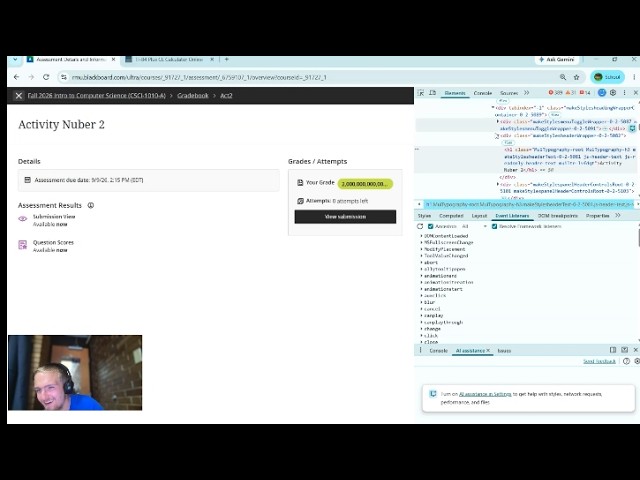
DevTools vs School is a 20‑minute descent into academic madness. I break Blackboard, gaslight my instructor, rename my ...
3 views
6d ago
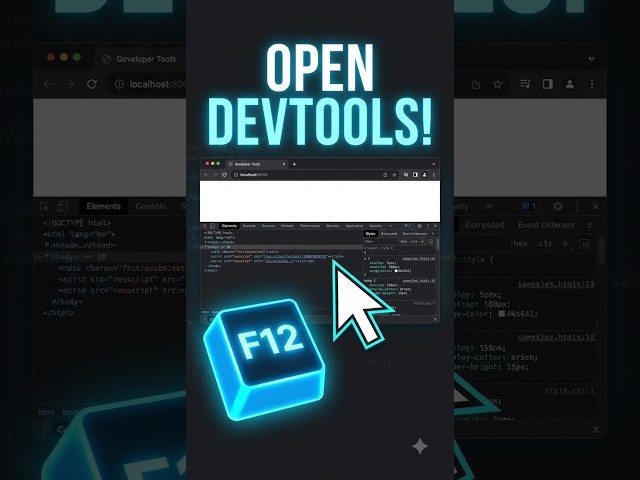
Press F12 or Ctrl + Shift + I on Windows to open Chrome DevTools quickly. #ChromeDevTools #DevTools #CodingTips #Shorts ...
71 views
Use the :hov panel in Chrome DevTools to force :focus and debug input focus styles. #CSS #ChromeDevTools ...
87 views
If a webpage isn't working correctly, open DevTools Console and look for errors that can help identify the problem.
60 views
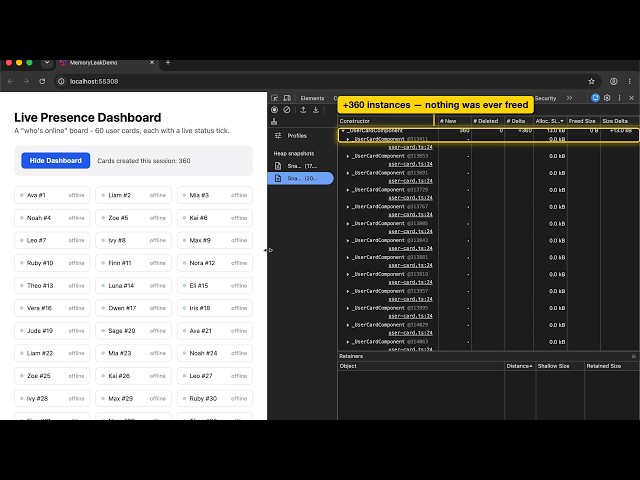
We built a real Angular app with a real memory leak, then found and fixed it live using nothing but Chrome DevTools. What's ...
7 views
2d ago
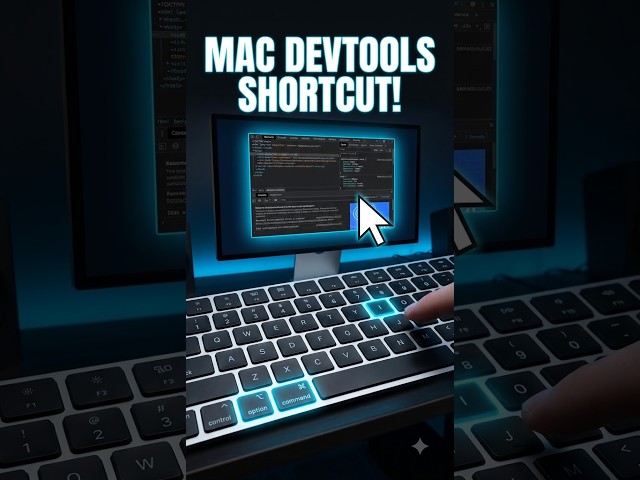
On Mac, use Command + Option + I to open Chrome DevTools quickly. #MacTips #ChromeDevTools #DeveloperTools #Coding ...
67 views
Open Chrome DevTools → Network, reload the page, and watch the browser's network requests appear in real time.
358 views
Select the element in DevTools, click :hov, and force the :hover state. #CSS #Hover #ChromeDevTools #WebDevelopment ...
Need to test another input value? Inspect the input element and modify its HTML attributes directly in DevTools. #HTML ...
101 views
I use Chrome DevTools to create a custom emulated device, enter the required string and reload the page with that device ...
Need an XPath? Inspect an element, right-click it, choose Copy, then Copy XPath. #XPath #ChromeDevTools #WebAutomation ...
876 views
Use Ctrl + Shift + J on Windows to open the Chrome Console quickly. #ChromeDevTools #Console #JavaScript #Coding #shorts ...
88 views
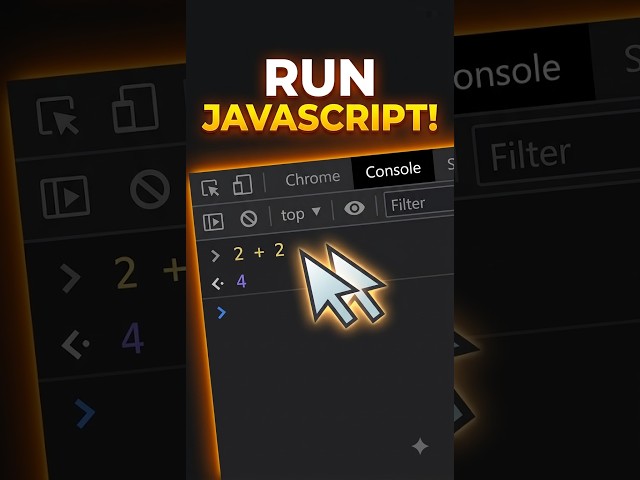
Open Chrome DevTools Console and run JavaScript expressions directly in your browser for quick testing and debugging.
36 views
Learn how to edit HTML directly inside Chrome DevTools and instantly preview the result in your browser. #HTML ...
751 views