Upload date
All time
Last hour
Today
This week
This month
This year
Type
All
Video
Channel
Playlist
Movie
Duration
Short (< 4 minutes)
Medium (4-20 minutes)
Long (> 20 minutes)
Sort by
Relevance
Rating
View count
Features
HD
Subtitles/CC
Creative Commons
3D
Live
4K
360°
VR180
HDR
2,124,886 results
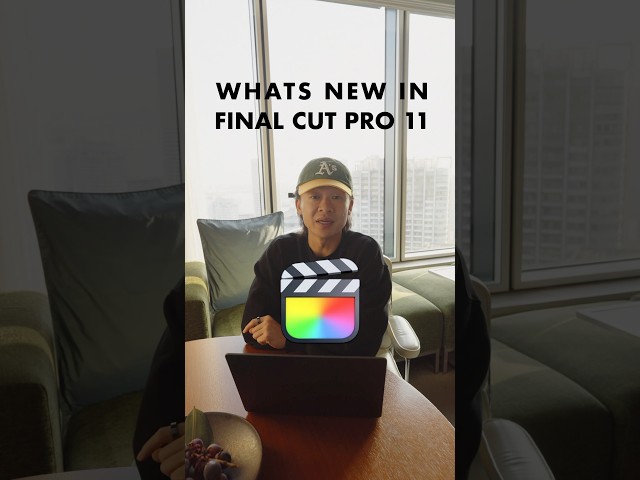
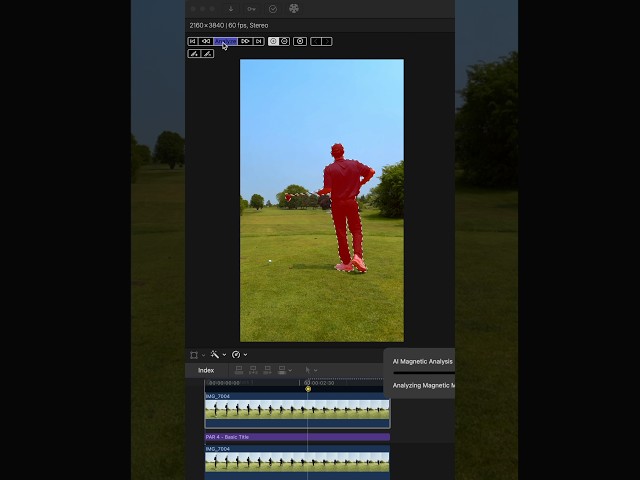
Transcribing speech to captions is now live in Final Cut Pro 11 that's not the only AI powered feature though cuz magnetic mask ...
324,182 views
1 year ago
This might not seem like a huge deal to some, but this simple change radically sped up my workflow. I often have my thumb ...
217,540 views
2 years ago
Get my editing packs! http://kingtutspro.com Create the easiest freeze frame music video transition in Final Cut Pro for beginners in ...
198,463 views
3 years ago
Graded using Color Finale 2 → http://bit.ly/BradColorFinale (20% off with Code ➡️ BRAD20) Music from Artlist ...
22,899 views
4 years ago
Subscribe to @DylanJohnYT if you must... Also be sure to check out Dylan's video for even more tips!
14,789 views
4 months ago
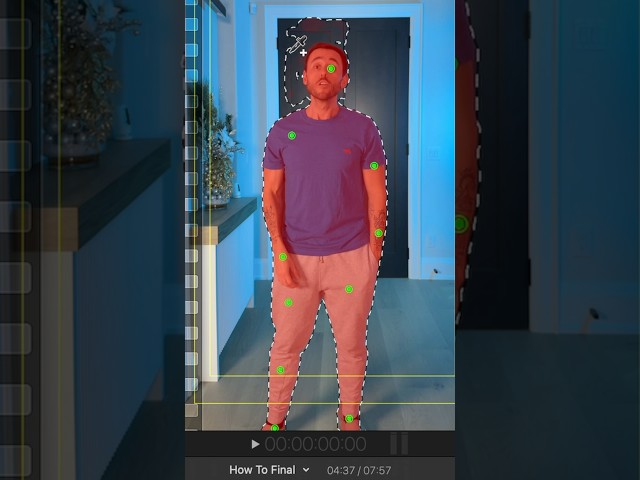
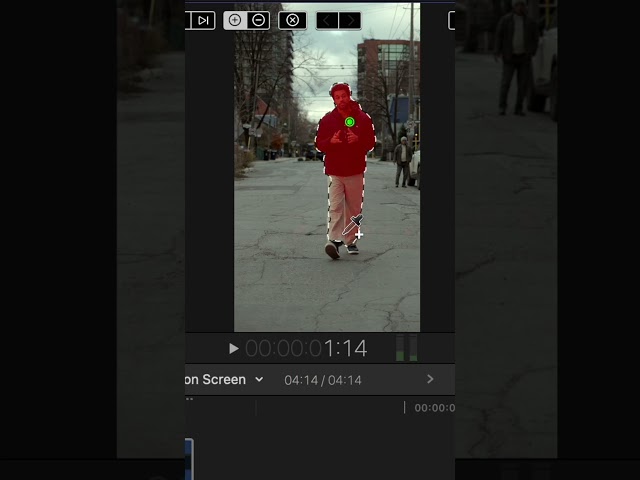
A behind the scenes look at how to use Magnetic Masking in Final Cut Pro X. Super easy edit to do and fun ways of being creative ...
83,546 views
Final Cut Pro Beginners Guide : Importing Footage 101 comment “need link” for product details. I want to make this series as ...
1,866 views
11 months ago
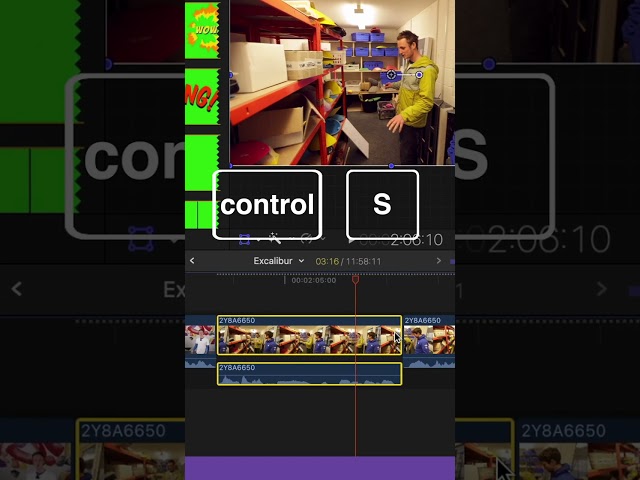
Detach audio with Control + S Add a basic title with Control + T Add a gap clip with Option + W Follow for more.
60,016 views
235,871 views
... Ryan engel's the goat he just dropped a video showing how to create a mega cinematic film look all within Final Cut Pro without ...
191,109 views
... video layer duplicating it above our title layer Next in our effects panel we will grab the magnetic mask tool here in Final Cut And ...
41,057 views
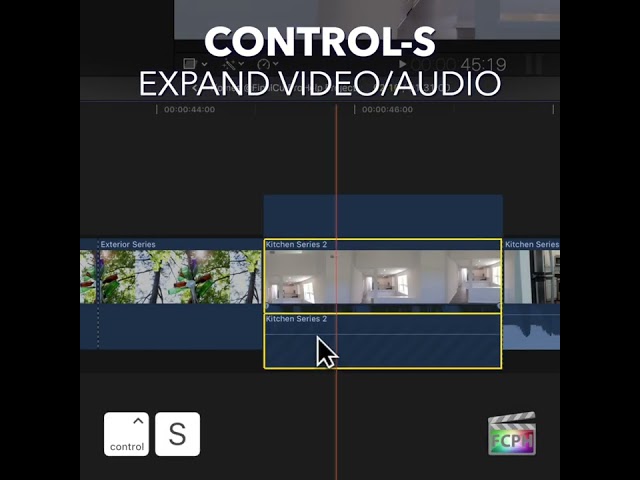
Control-S | Expand Video/Audio | Make a selection and use this Final Cut Pro shortcut to view audio and video separately Visit ...
164,085 views
How I edited my "attention" video! Final Cut Magnetic Mask Thanks for watching! Don't forget to SUBSCRIBE!! My Socials ...
21,687 views
In this tutorial, we look backwards and create the 1930s old film look in Final Cut Pro X Step by step, I show you how to do things ...
88,929 views
8 years ago
Full Breakdown and Review* → https://youtu.be/gwbqe2vsD9E *Get the PRO LOOK you're looking for* ...
15,705 views
1 month ago
Final Cut just came out on the iPad and live drawing is hands down my favorite feature so here's how to use it open up Final Cut ...
68,689 views
Plugins Used To Create My Intros Keyper • https://fxfactory.pxf.io/KeyperFCB mBehavior 2 • https://motionvfx.sjv.io/rQKDKR ...
12,759 views
24,185 views
This is my go-to color correction tool in final cut pro, and this is how you can change your default Color Correction tool from 'Color ...
30,152 views
How to do a very easy split screen in Final Cut Pro! We are mostly going to be using the Transform tool, and the Crop tool to ...
26,586 views