Upload date
All time
Last hour
Today
This week
This month
This year
Type
All
Video
Channel
Playlist
Movie
Duration
Short (< 4 minutes)
Medium (4-20 minutes)
Long (> 20 minutes)
Sort by
Relevance
Rating
View count
Features
HD
Subtitles/CC
Creative Commons
3D
Live
4K
360°
VR180
HDR
2,389 results
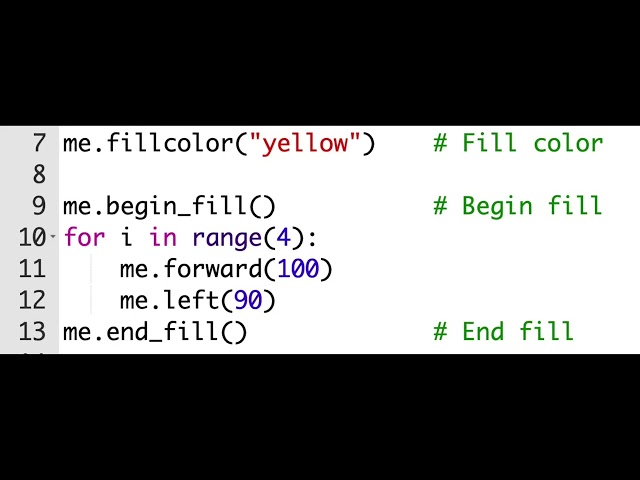
pen color ⎯⎯⎯⎯⎯⎯⎯⎯⎯⎯⎯⎯⎯⎯⎯⎯⎯⎯⎯⎯⎯⎯⎯⎯⎯⎯⎯⎯ import turtle screen = turtle.Screen() me = turtle.Turtle() ...
170 views
5 months ago
... you want to draw a square using Python and Turtle You could write T forward 100 to left 90 T forward 100 T left 90 T forward 100 ...
59 views
Let's learn about python and how to draw shapes using turtle graphics python is a popular programming language it is used in ...
100 views
hello friends wlcm to my channel Instagram :https://instagram.com/sad__god5?igshi.
4,188 views
3 years ago
Hi everyone Today we're going to learn about two simple turtle commands in Python Pen up and pen down If you've used Scratch ...
193 views
shorts #codingstatus #pythoncodingstatus #codingdecoding #pythoncodingstatus #hackingstatus #pythonprogrammingstatus ...
194 views
296 views
2 years ago
Python Turtle Project graphics|| Make a flower using python turtle #turtle #pyton #pythontutorial #Code: import turtle screen = turtle ...
73 views
Welcome to Ri-Idol Brighten your day with the beauty of sunburst patterns! ✨ In this quick and engaging tutorial, we'll show ...
32 views
1 year ago
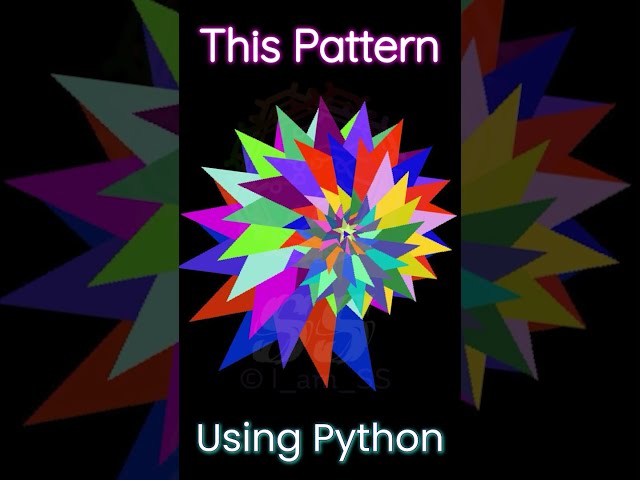
how to make Star using Python how to make design using Python.
34 views
90 views
shorts #doremon #python Doremon in python by tartle graphics.
19 views
38 views
85 views
Python Turtle graphics | coding status video . ........ Thanks for waching ' . . . . . . . . . . . . . . . . . . . , . . . . . . . ......... #shorts ...
20 views
Did you know that a turtle can draw better and faster than you in Python? #pythonprogramming GitHub ...
730 views
11 months ago
shorts,#programminglife, #pythonprogramming ,#programmingislife,
30 views
4 years ago
Hello friends wlcm to my channel Instagram :https://instagram.com/sad__god5?igshi.
445 views
from turtle import * import random speed(speed='fastest') def draw(n, x, angle): Turtle,Screen().bgcolor('black') for i in range(n): ...
52 views