Upload date
All time
Last hour
Today
This week
This month
This year
Type
All
Video
Channel
Playlist
Movie
Duration
Short (< 4 minutes)
Medium (4-20 minutes)
Long (> 20 minutes)
Sort by
Relevance
Rating
View count
Features
HD
Subtitles/CC
Creative Commons
3D
Live
4K
360°
VR180
HDR
3,645 results
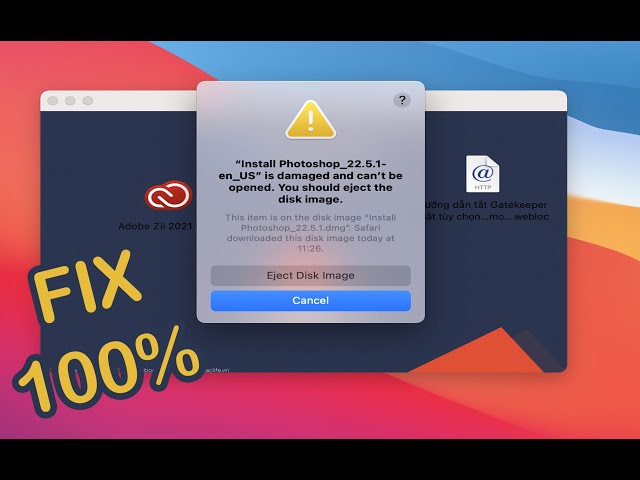
Terminal Code : xattr -cr How to fix ” is damaged and can't be opened. You should eject the disk image.
29,639 views
3 years ago
When you install dmg file it says it is damaged and cannot be opened, you should eject the disk. Solution: 1 step: You open the ...
1,734 views
2 years ago
Hard drive won't eject and you don't want to force quit? Watch this video to find out what you have to do. Link to article: ...
38,657 views
5 years ago
EDIT 2025 : It is possible that with each new iteration of Apple's OS updates, new bugs are being added, rendering this trick less ...
16,928 views
How to Fix "App is damaged and can't be opened. You should move it to the Trash Error" on Mac.
40,274 views
First command: sudo spctl --master-disable Second command: xattr -cr Intro: 00:00 How to fix error (First step): 00:13 How to fix ...
151,461 views
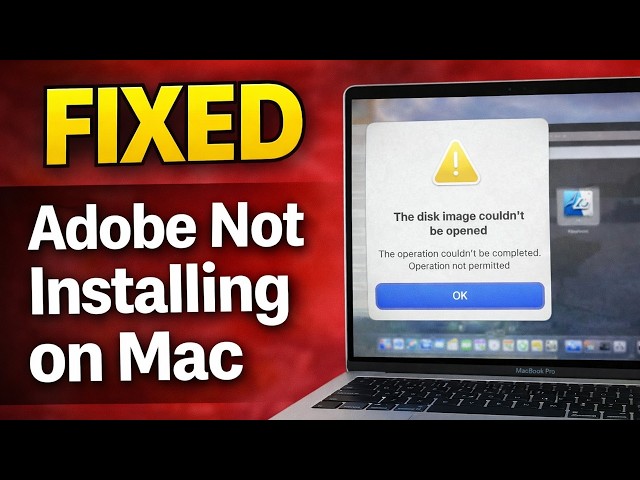
Are you getting the error “The disk image couldn't be opened. The operation couldn't be completed. Operation not permitted” ...
1,785 views
4 months ago
If you're getting the "App is Damaged and cant be opened - move to bin" error on your Mac, don't worry! In this updated tutorial, ...
23,610 views
1 year ago
Download and install Beer interceptor: https://apps.apple.com/us/app/beer-interceptor/id6749782229 Disk Not Ejected Properly ...
6,044 views
Command in Terminal: xattr -cr This applies to the error message 'app' is damaged and can't be opened. You should move it to ...
143,631 views
4 years ago
Usb / harddrive / hdd fix.
21,892 views
6 years ago
In this video tutorial im showing how to erase hard drive on a mac and fix the problem "Erase Process Has Failed". Click Done to ...
140,787 views
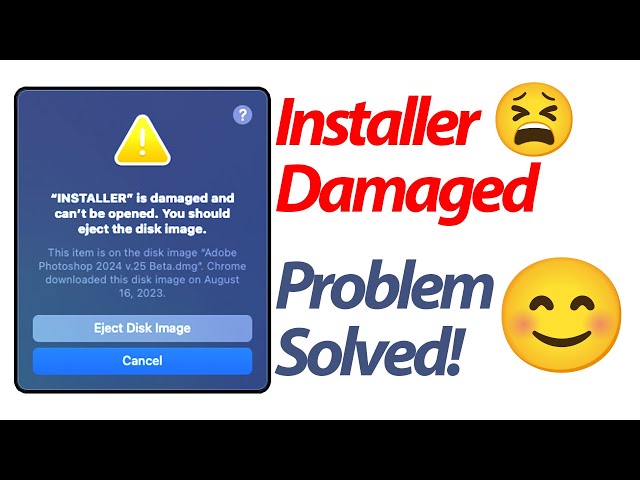
Are you encountering the frustrating "Install is damaged and can't be opened. You should eject the disk image." error message ...
1,963 views
You cannot open disk image file (.dmg) on your Mac and get the “no mountable file systems” error message? Don't worry!
113,566 views
7 years ago
Disk Utility Error Message when formatting in MacBook Pro, iMac, Mac mini, Mac Pro, MacBook Air. There are 2 ways to really fix ...
672,987 views
When the hard drive on macOS is experiencing problems, you will experience some very alarming events. Such as not being able ...
262,820 views
Demo: AppleScript application (which internally just uses a command-line tool) to clean up all those downloaded .dmg files by ...
464 views
11 months ago
Instructions : First : Disable the Security “sudo spctl --master-disable” without quotes Second - Terminal code : xattr -cr( Space) ...
241,254 views
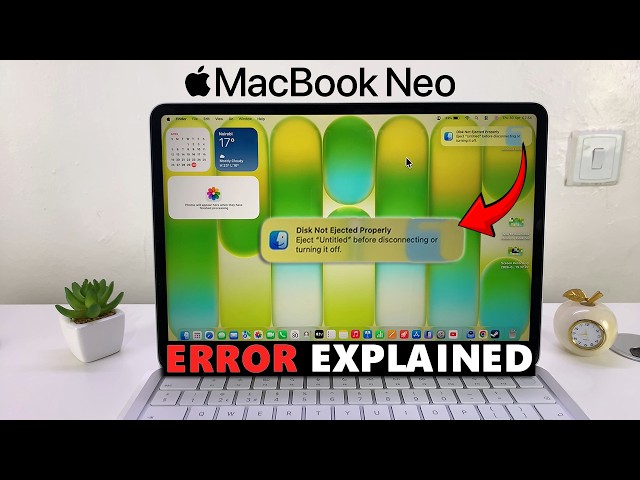
Getting the “Disk Not Ejected Properly” error on your MacBook Neo can be confusing—and sometimes worrying. In this video, we ...
494 views
3 months ago
External Hard Drive, Usb drive, Flash drive, Yosemite OS X , El Capitan OS X, Macbook pro, iMac, macbook air, macbook, ...
293,286 views
11 years ago